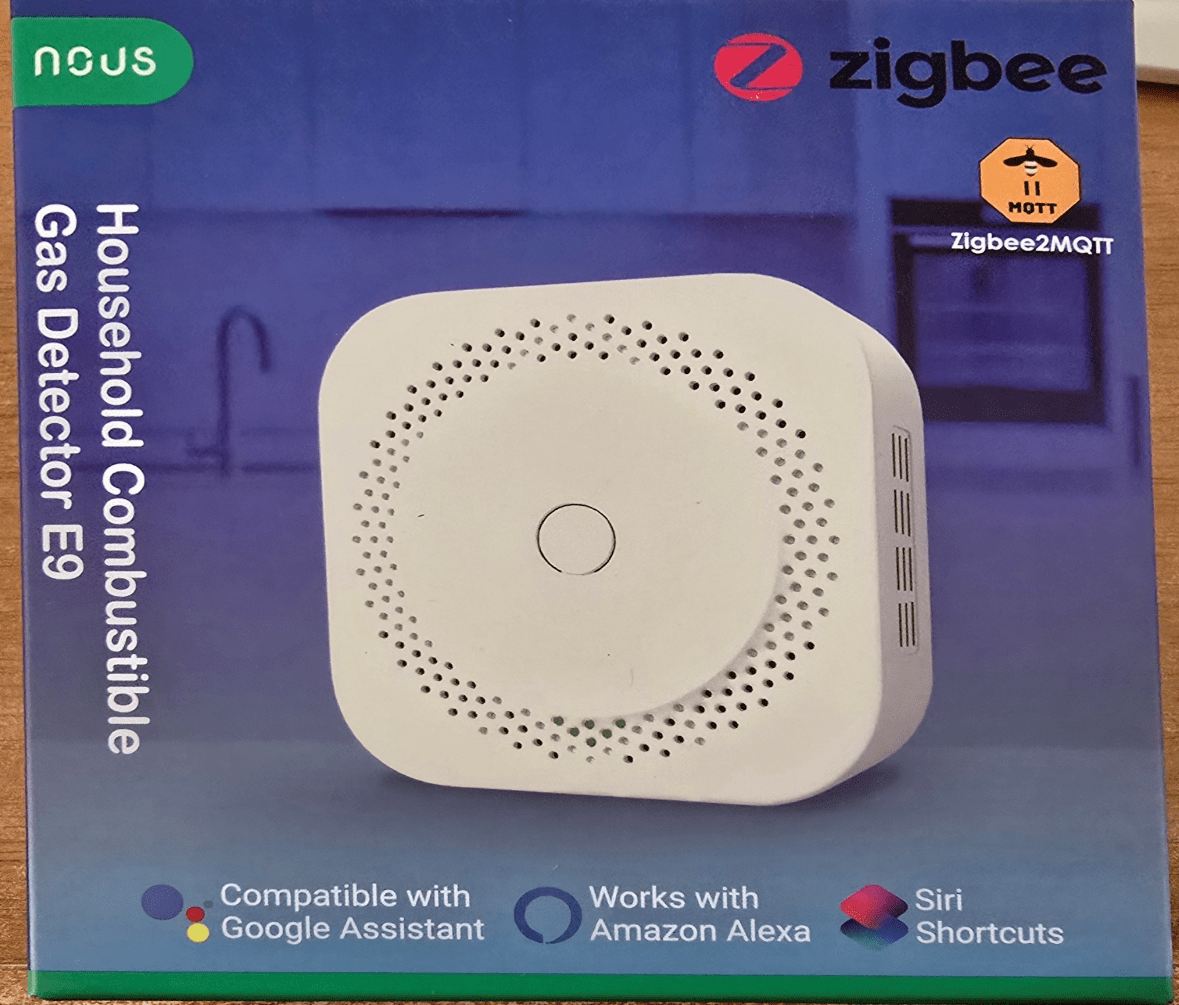
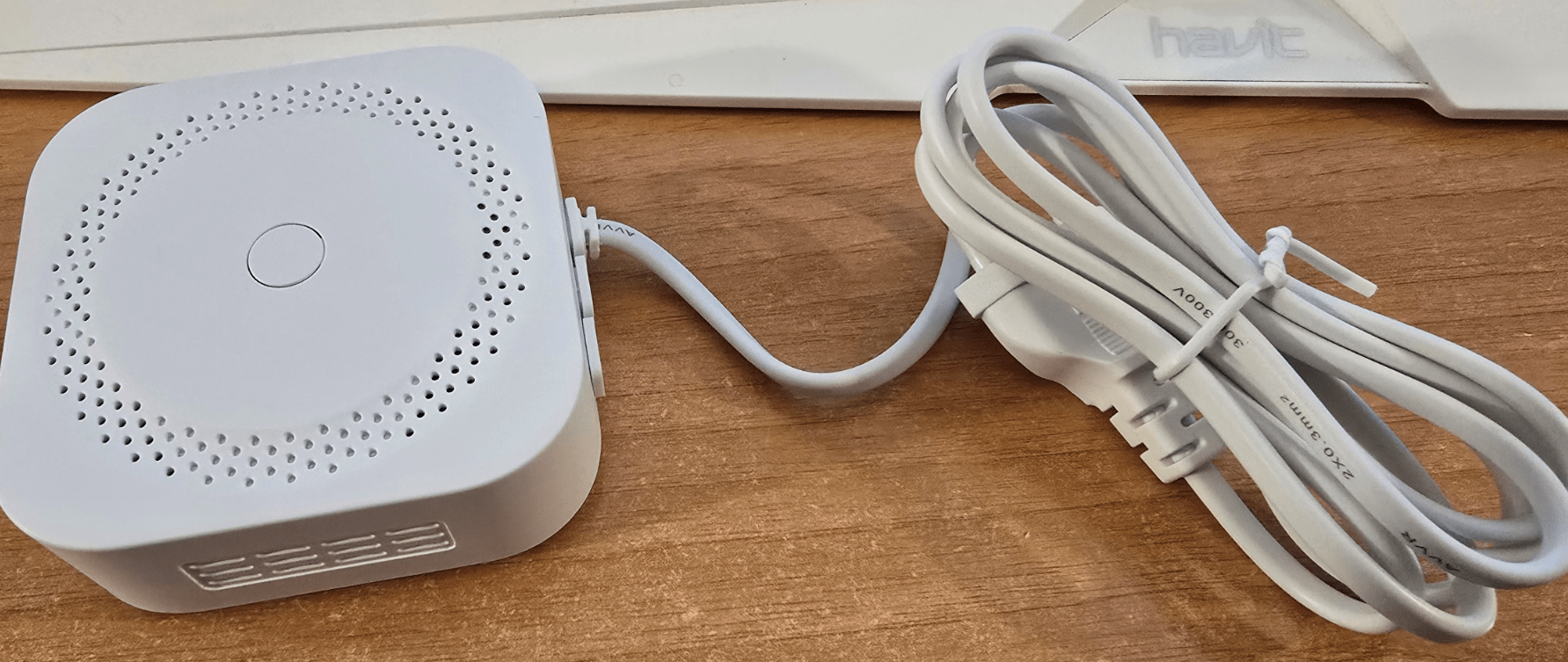
The Nous E9 Gas Centre Spec reads as follows: Network Zigbee 3.0, operating voltage 100-240 volts… HOLD THE PHONE… it’s Zigbee. Why do we want 240 volts? OK, I’ve recovered from the shock. 240 volts it is – so it’s not only a sensor – it’s a Zigbee router. There’s a thin mains lead coming out the side of it. This device needs to be somewhere near power, unlike a battery-operated unit. On the other hand, unlike a battery-operated unit, it’s not going to pack in after a while; it will just keep working forever, I guess.
Okay, back to the details. First things first, you get a small piece of paper in various languages with these news devices, including the one I’ve just already reviewed, and they point you to a QR code to get the iOS/Android app if you’re going to use them with Nous’s own app, and/or a manual for all the information. Of course, this stuff easily hooks up to Zigbee2MQTT.
Right back to the spec: Single source detection protected against false alarms due to dust, insects, or moisture. Professional labyrinth design, rapid fire detection. Notification function via the app. Check battery level and working status at any time. Housing made of fire-resistant plastic with a glossy surface. Except that once again I’ve no intention of downloading the app. I’ve enough apps on the phone already. I’m going to use Zigbee2mqtt, so let’s have a shot.
If you’re interested in this device and you don’t want to go down the Zigbee2MQTT route, as I said, there is a link to an online version of the manual on their website. You can just go to their news website and get all the information you need.
In my case, I simply plugged the unit into the mains at which point it let out a single loud beep and then a green light on the front started flashing. That tells me it is in pairing mode. So off I go to my Zigbee2MQTT console, put that into pairing mode, and wait to see what happens. Permit join and…Absolutely nothing. So, I hold the button down for a few seconds until the red light flashes. This time, a new Nous device with a rather large numerical name appears, which I’m going to rename to nous E9. While renaming, I tell Zigbee2MQTT to update the form assistant ID as well, and that’s done.
And now we will strain it in at the deep end to Home Assistant, devices and services, and lookup devices.
A search for nous quickly brings up the new device.

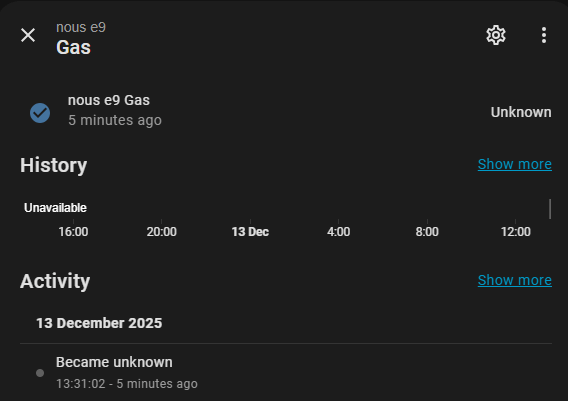
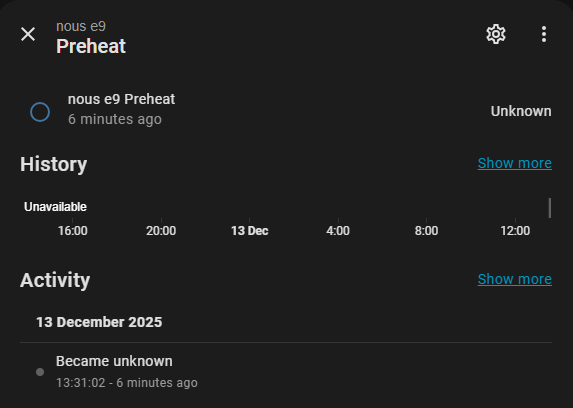
Sure enough, let’s have a look at the panel for the E9 in Home Assistant.
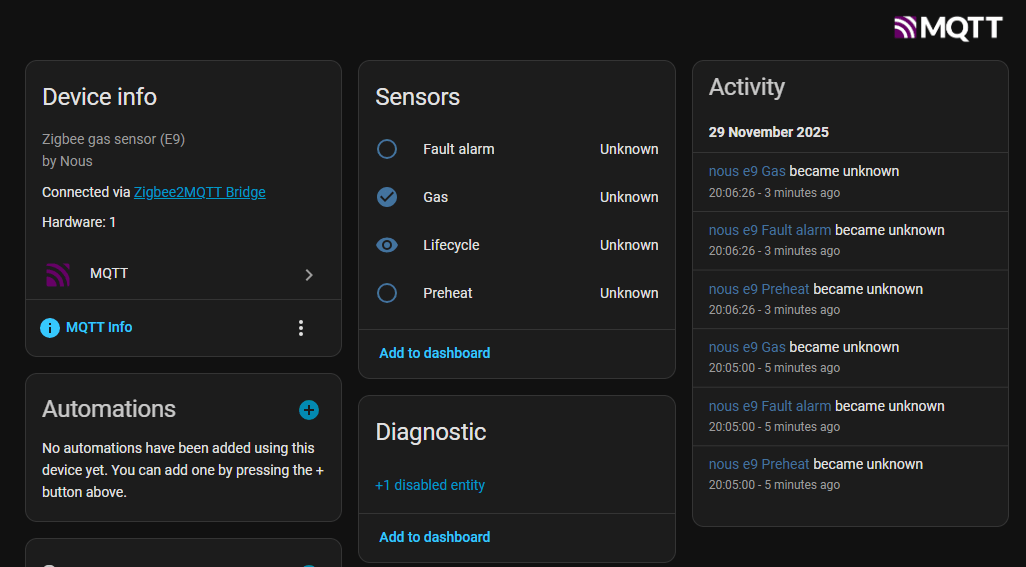
Zigbee2MQTT says the device is supported – so right now I’ve no idea why I’m seeing those unknown entries above – patience is a virtue.
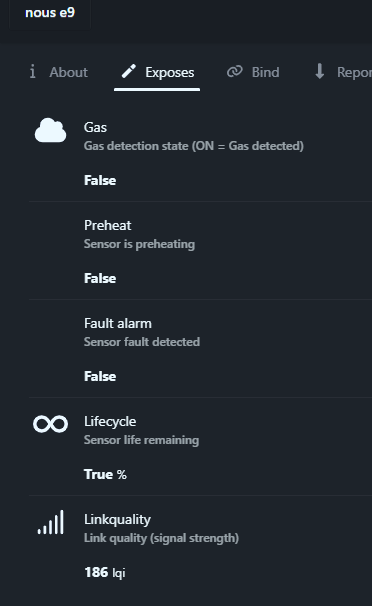
Oh, if I go back to Zigbee2MQTT, the entry for gas says “Detected preheat sensor is preheating” FALSE- i.e. ready, fault alarm sensor fault FALSE. Okay, thats ok – I guess we just wait.
Well, all of that looked just fine and I’ve repeated this again with fully up to date Zigbee2MQTT and HA on December 13 2026. All looks good in Zigbee2MQTT, but as for Home Assistant… Nope – the info is not going from Zigbee2MQTT through to Home Assistant and 15 minutes later…. in Zigbee2MQTT it all looks ready to go.. but Home Assistant looks the same.
More when Nous come back to me about this. It works – just not in Home Assistant via Zigbee2MQTT at the current time.